For medical practices

Give the practice video a break: waiting room TV that's new every day

News, health topics, nature and weather update on their own—in 31 languages, right alongside your own practice notices. Your front desk team has nothing to maintain.

  • Free plan, no credit card
  • Works with any digital signage system
  • Content updates itself
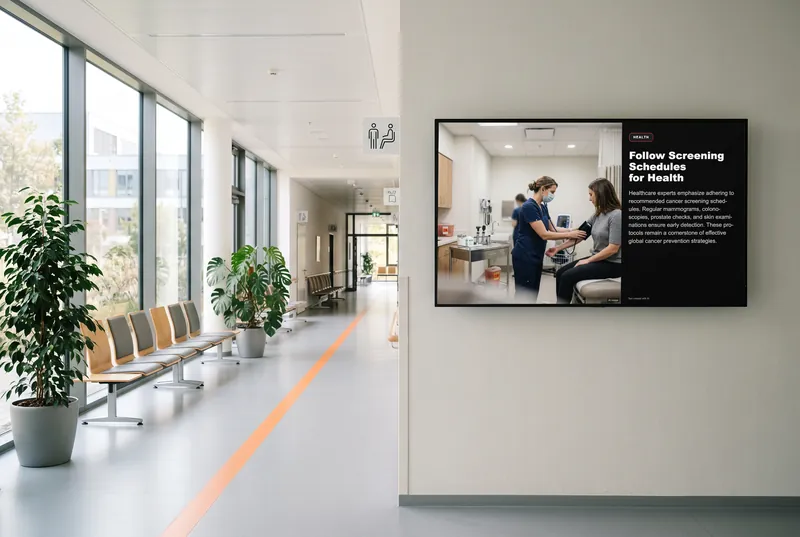
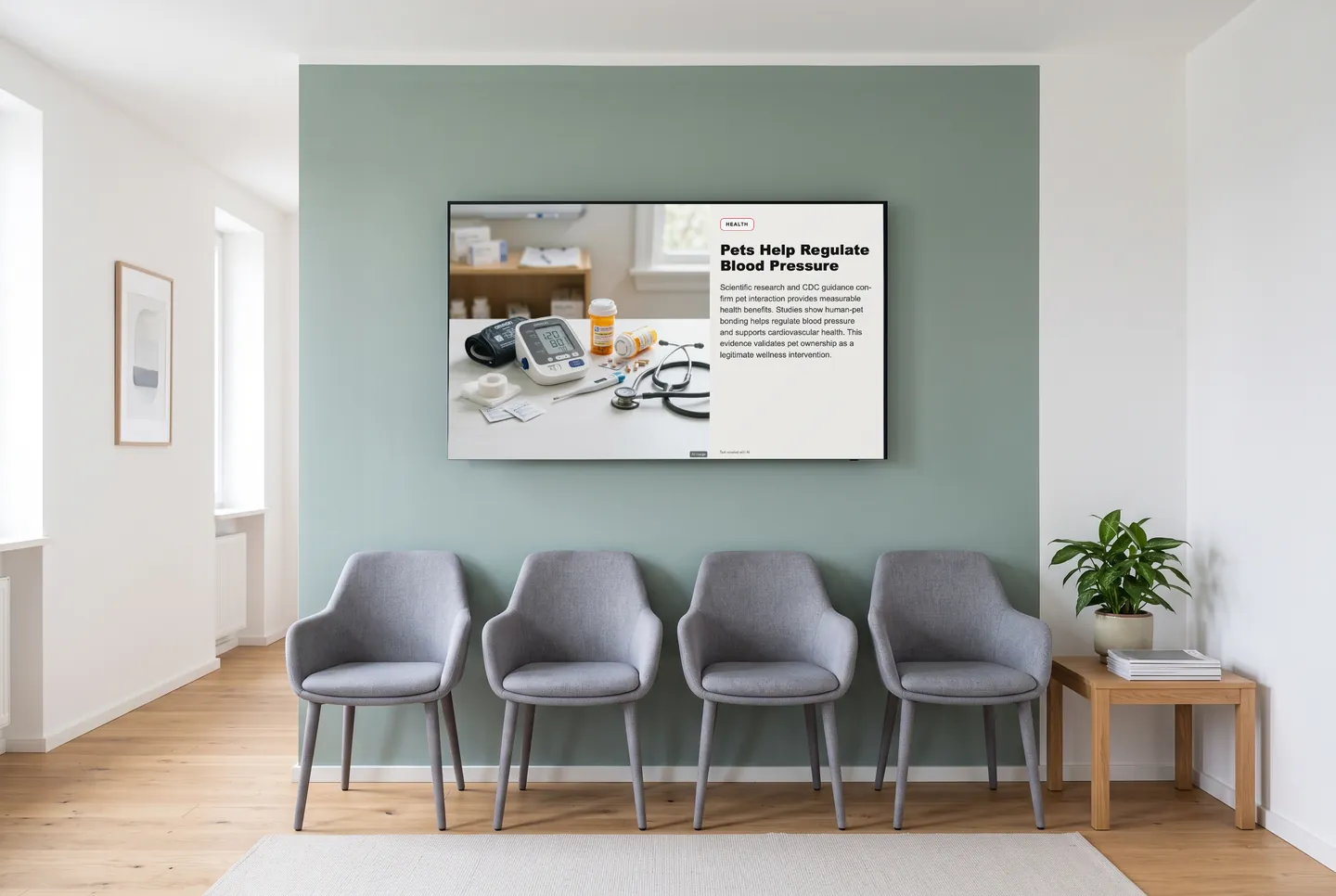
In the picture: A health channel post in the “Standard light” design on the waiting room TV

What changes on your waiting room TV

A different lineup every morning

The channels keep updating themselves. A patient who picks up a prescription on Monday and comes back for bloodwork on Thursday sees two different programs. Your team enters the URL once, and that's it.

In the language your patients read

Every channel plays in 31 languages, translated automatically. If many of your patients read Turkish, Arabic or Ukrainian more easily than German, add the same channel to your playlist a second time in that language.

Calm visuals, no sound

The news, health and weather widgets have no audio. Your front desk can still hear the phone, and nobody in the waiting room has to talk over the TV.

Building blocks for the waiting room

You choose what plays in the dashboard. For doctor's offices, physical therapy practices and vet clinics, we suggest this mix.

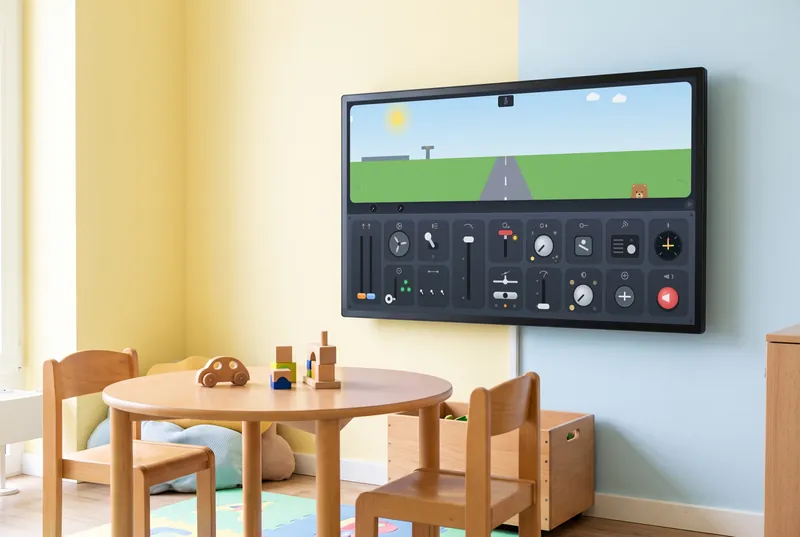
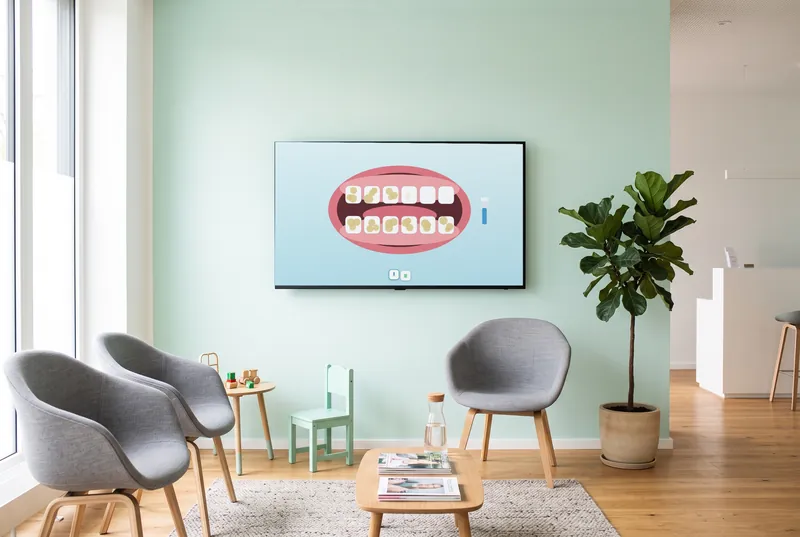
Four quiet games for a touchscreen

Visitor fish and quiet surprises appear in the aquarium; in Calm Garden, slow touches make flowers grow. Star Breathing is for kids with a grown-up, and Daily Quiz asks five changing questions.

  • Waiting Room Aquarium

    A living aquarium with quiet surprises—no sound, no input.

  • Star Breathing

    A growing and shrinking star guides a simple breathing exercise.

  • Calm Garden

    Slow touches let flowers and butterflies appear.

  • Daily Quiz

    Five changing questions on knowledge, culture and everyday life.

The games are included in every paid plan. They need no sign-in and fit landscape, portrait and square screens. They run without sound, except the arcade games, which start with sound; you can switch it in the dashboard.

See all 113 games
How it gets on screen

On your screen in three steps

  1. 1

    Sign up for free

    Create an account, no credit card needed. The free plan includes all AI content channels.

  2. 2

    Choose your content

    In the dashboard, pick a channel, location, table or game, set format and language, and copy the ready-made URL.

  3. 3

    Add the URL to your player

    The URL goes into your digital signage system, next to your own content. From then on, everything updates itself.

What you should know

How much does waiting room TV from contboxx cost?

To try it out, there's the Free plan: it costs nothing, needs no credit card and includes every AI channel, with a small daily allowance of requests. For more requests per day, the games and extra locations, choose Starter, Basic or Professional; Enterprise is available on request.

How does the program get onto the TV in our waiting room?

In the dashboard, you get a URL and enter it into your digital signage system or player. contboxx runs on anything that can display web pages. We don't sell hardware or an app: if there's just a TV on the wall, you'll also need a player that can show web pages.

Who writes the posts on the health channel?

AI does. Health and Medicine are generated automatically and updated continuously—not by a newsroom, and not by doctors. Every post is labeled as created with AI. You decide in the dashboard whether these channels play in your waiting room.

Can we keep showing our own practice notices?

Yes. contboxx runs in your playlist alongside your own content: office hours, vacation coverage and the reminder about online booking stay put, and contboxx fills the time in between. It works the same way in a physical therapy practice or a vet clinic.

Try it on your screen

Sign up for free, pick the content that fits and add the URL to your player.

Sign up for free