Weather
Weather for exactly the places where your screens are: add your locations in the dashboard and create a URL for each one — as a ready-made widget or as JSON for your own layout.
- Place search
- Landscape & portrait widget
- Four designs
- JSON for your own layouts

How it works
- 1
Add a location
Find the place with the place search and give it the name your screen should show. Choose °C or °F.
- 2
Choose the look
One of four designs — from plain Standard to the animated Sky — in landscape or portrait. Or JSON for your own layout.
- 3
Add the URL
Create a URL for each location and add it to your digital signage system.
Four designs
Real screenshots of the widgets. Print and Curve come in four color schemes; with Sky, the weather itself sets the colors and icons.
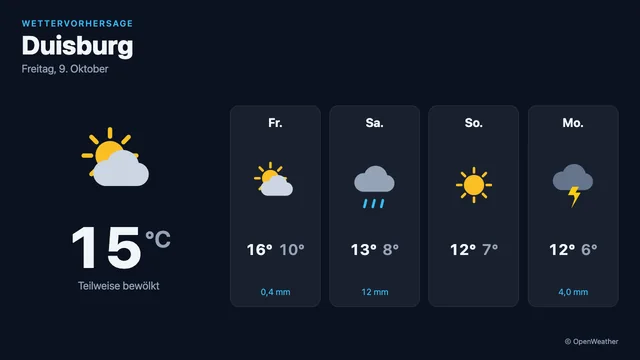
Standard – Plain, no animation – runs on older players too.
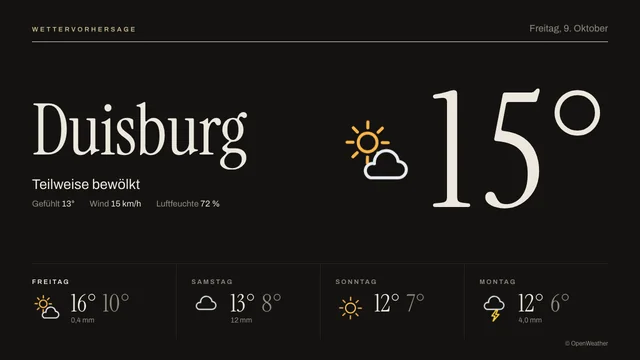
Print – Editorial with serif type; the temperature rolls in on load.
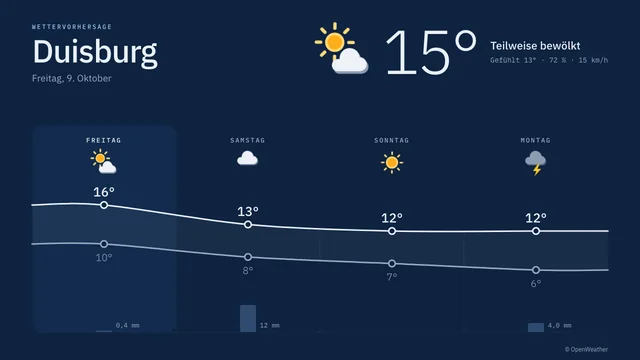
Curve – The coming days as a temperature curve with precipitation.
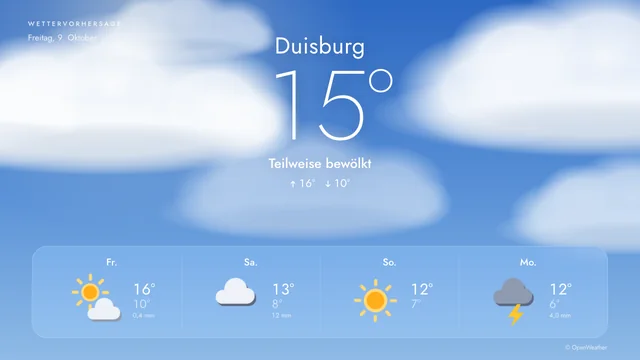
Sky – The background shows the current weather: clouds drift, rain falls, snow comes down.
Pollen for your locations
From Starter, any location in Germany can also show the German Weather Service's pollen forecast – without using another location.
More about the pollen forecastWarnings: official alerts from the NINA warning app
from StarterCivil-protection warnings for your locations in Germany – from severe weather and floods to an unexploded bomb or contaminated drinking water. In the authority’s own words and usually on screen within minutes, depending on your player’s refresh interval. Included in every paid plan at no extra cost.
For your locations
You choose one of your locations, nothing more. Every warning whose area includes the place appears. Without a warning the screen reads “No current warnings”.
Word for word
Headline, description and instructions come unchanged from the authority, with sender and source. We do not shorten, translate or filter anything.
Priority on the infoscreen
On an infoscreen the tile stays silent while there is nothing to report. A warning at the level “Severe danger” or “Extreme danger” fills the whole screen until it ends.
- MoWaS, KATWARN, BIWAPP, DWD, floods, police
- Usually up to date within minutes
- Widget landscape & portrait
- JSON for your own layouts
The NINA warning app covers Germany – there are no warnings for places outside it. Source: NINA warning app / BBK, severe weather warnings: Deutscher Wetterdienst.
Charging: where electric cars can charge nearby
from StarterThe nearest public charging stations around your locations in Germany – with power, plugs and, where operators report it, current occupancy. For hotels, offices and everyone whose guests arrive electric. Included in every paid plan at no extra cost.
Around your location
You choose one of your locations and a radius from 500 m to 5 km. The screen shows the nearest charging stations by straight-line distance.
With occupancy
Where operators report it, the screen shows how many charging points are free right now – updated every few minutes.
By power and plug
Only fast chargers from 50 or 150 kW, only certain plugs, and how many stations the screen lists – you decide.
- Bundesnetzagentur charging station register
- Radius 500 m to 5 km
- Widget landscape & portrait
- JSON for your own layouts
The charging station register covers Germany – there are no stations for places outside it. Data: Bundesnetzagentur; occupancy: MobiData BW.
Locations per plan
How many locations you can add depends on your plan.
- Free3 locations
- Starter5 locations
- Basic10 locations
- Professional25 locations
- EnterpriseUnlimited
Ready for this content?
Start for free and add the content to your digital signage system in minutes.