For reception areas and lobbies

Five minutes until the meeting: time for today's business headlines

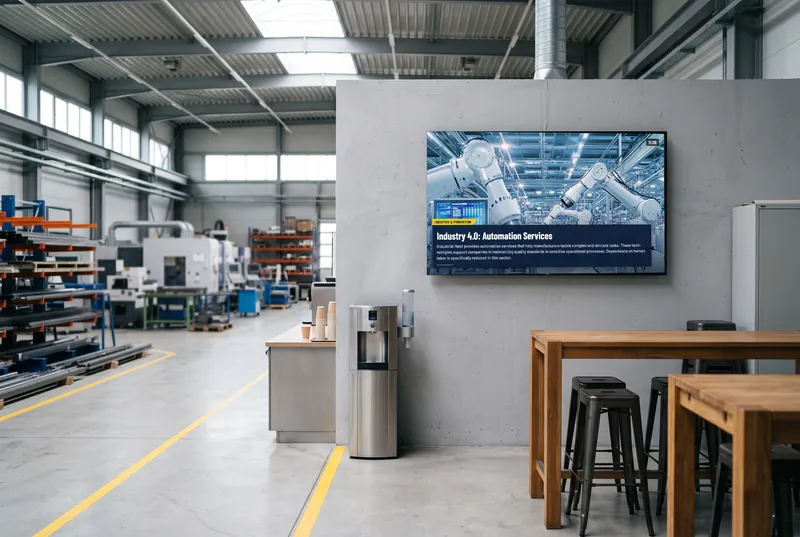
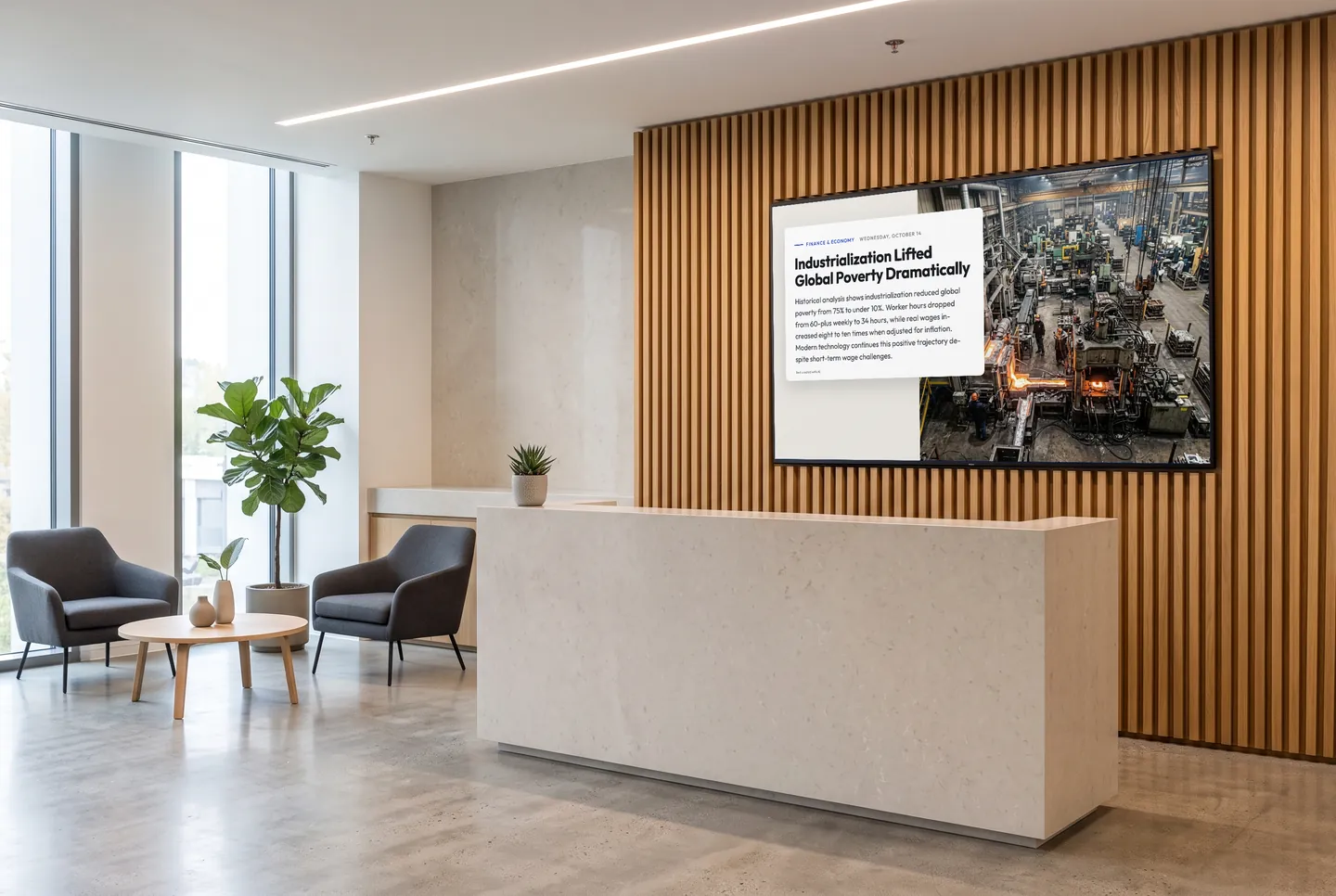
Your lobby screen shows business news, industry updates and the local weather alongside your company video. It refreshes itself, speaks your visitors' language, and nobody at the front desk has to maintain it.

  • Free plan, no credit card
  • Works with any digital signage system
  • Content updates itself
In the picture: A business story in the “Magazine” design on the screen at reception

What visitors want to know at the front desk

The next train, before anyone asks

After the meeting, visitors head back to the main station or the airport. The departure board shows the nearest Deutsche Bahn station in real time, including platform changes and delays, plus nearby bus and tram stops by timetable.

French for the visitors from Lyon

Every channel can run in one of 31 languages, translated automatically, from English and French to Chinese and Japanese. You choose the language for each screen, for example English in the lobby and German in the staff area.

Something new instead of the same loop

Suppliers, candidates and consultants often come back. The channels refresh on their own, so the next visit brings something different, and nobody at reception has to swap out slides.

Your story and your question on the lobby screen

Behind the Brand shows your company’s milestones as a timeline, one year, one pictogram and one short sentence per entry. In What Do Visitors Think?, guests vote anonymously on your question and then see how others answered. You manage content and questions in the dashboard, including several for different screens.

  • Behind the Brand

    Your company history as a timeline: one year, one pictogram and one sentence per entry.

  • What Do Visitors Think?

    Your own question, answered anonymously—then the result as bars with vote counts.

The games are included in every paid plan. They need no sign-in and fit landscape, portrait and square screens. They run without sound, except the arcade games, which start with sound; you can switch it in the dashboard.

See all 113 games
How it gets on screen

On your screen in three steps

  1. 1

    Sign up for free

    Create an account, no credit card needed. The free plan includes all AI content channels.

  2. 2

    Choose your content

    In the dashboard, pick a channel, location, table or game, set format and language, and copy the ready-made URL.

  3. 3

    Add the URL to your player

    The URL goes into your digital signage system, next to your own content. From then on, everything updates itself.

What you should know

How much does a lobby welcome screen cost?

To try it out, there's the Free plan. It costs nothing, needs no credit card and includes all AI channels, weather for three locations and a small daily quota of requests. Starter, Basic and Professional add more requests per day, more screens and the games; Enterprise is available on request.

Will it work with our digital signage system?

If your system can display web pages, yes. Choose your content in the dashboard, copy the URL and add it to your player. For custom layouts, there's RSS, JSON and a REST API. You don't need extra hardware or an app.

Can our company video stay in the loop?

Yes. contboxx doesn't replace your content; it runs alongside it in the same playlist: today's welcome message for your guests, your company video, then business news and weather. You set the order and timing in your system as usual.

Do you offer news from dpa, the German news agency?

Yes, as an add-on available from Starter: original reports from dpa (Deutsche Presse-Agentur), untranslated. The AI channels, by contrast, are included in every plan, are created by AI and can run in 31 languages.

Try it on your screen

Sign up for free, pick the content that fits and add the URL to your player.

Sign up for free