For employee cafeterias

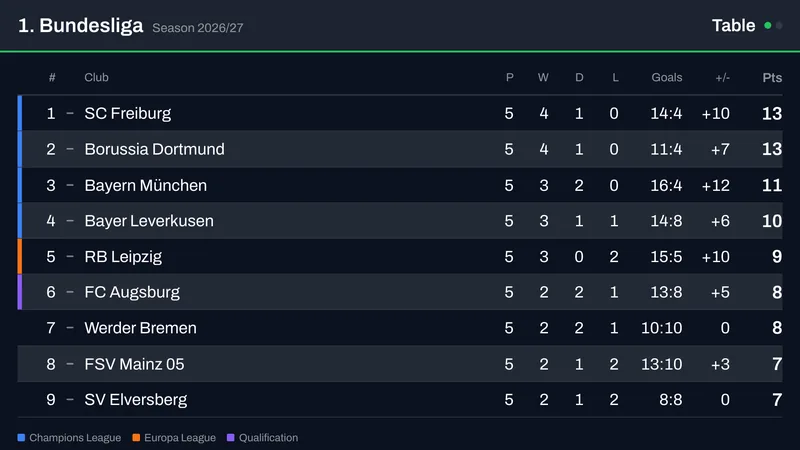
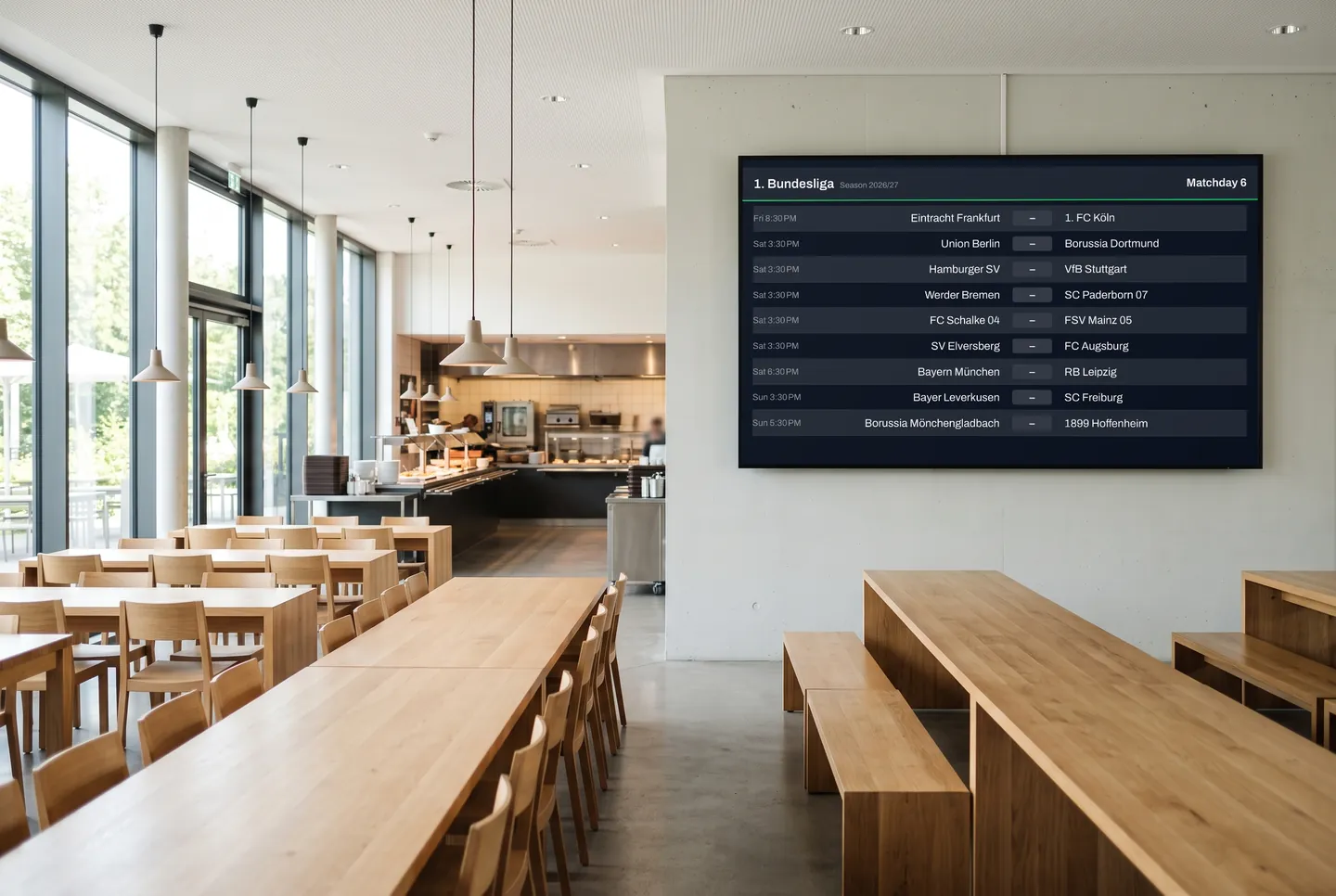
Monday lunch in the cafeteria: the new standings are already on screen

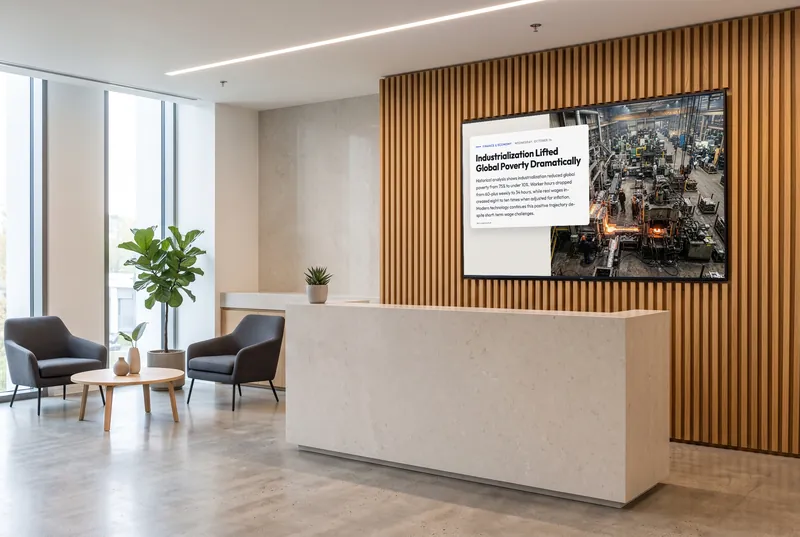
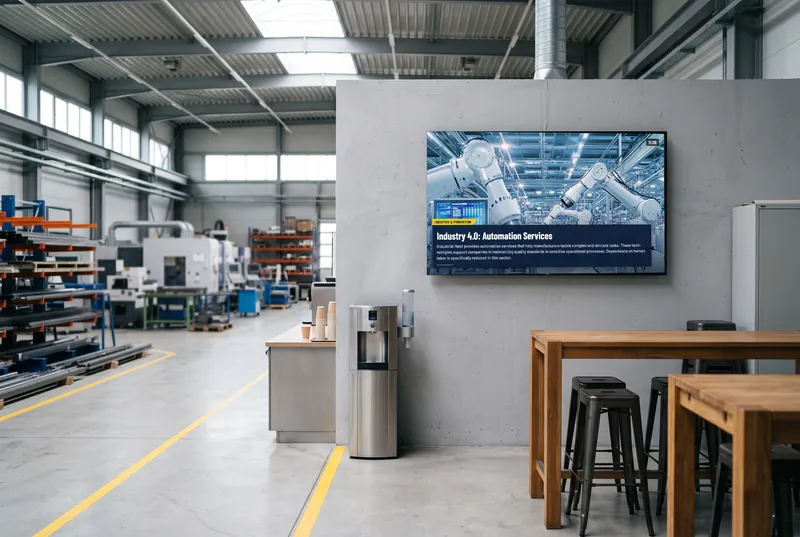
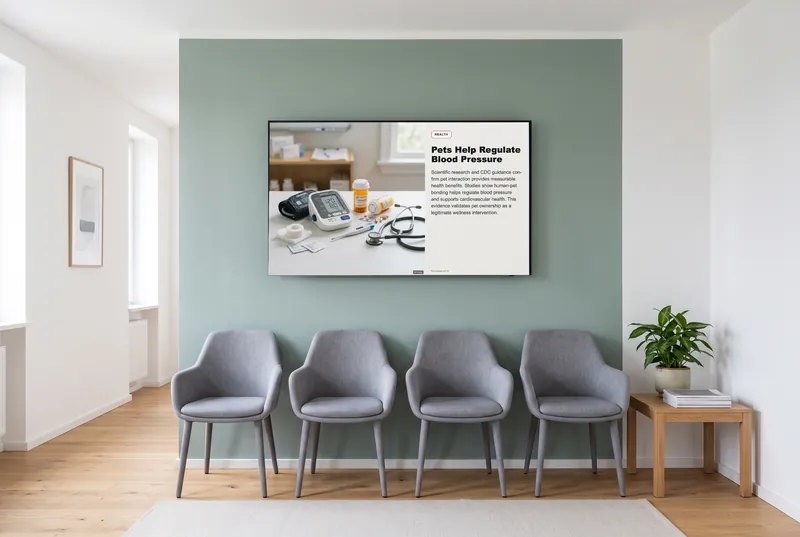
Soccer, news, recipes and a short quiz for everyone who meets at lunch, from the office and the shop floor. You keep running your menu yourself; contboxx fills the time in between.

  • Free plan, no credit card
  • Works with any digital signage system
  • Content updates itself
In the picture: The Bundesliga matchday live on the cafeteria screen

Something to talk about at lunch

Standings and fixtures from 32 leagues

From Germany's Bundesliga to the Premier League: tables and matchdays, live during the games. Pick your own colors and highlight a team, like your hometown club. Included from Starter at no extra cost.

Office and shop floor at the same table

At lunch, accounting, sales and the warehouse crew sit together. News, recipes and a quiz give everyone something to talk about, even people who only know each other from the hallway.

Something different every lunch

If you eat in the same cafeteria every day, you notice reruns right away. The channels refresh on their own, and nobody on the kitchen team has to update the screen.

A quiz to go with coffee

The daily quiz asks five changing questions, the estimation game is about amounts and distances, and the prediction game lets people guess an outcome and see the answer later. Plus a true-or-false round.

  • Daily Quiz

    Five changing questions on knowledge, culture and everyday life.

  • Estimation Master

    Estimate amounts, distances and historical figures.

  • Prediction

    Make a guess now, see the answer later.

  • True or False?

    Surprising statements—right or wrong?

The games are included in every paid plan. They need no sign-in and fit landscape, portrait and square screens. They run without sound, except the arcade games, which start with sound; you can switch it in the dashboard.

See all 113 games
How it gets on screen

On your screen in three steps

  1. 1

    Sign up for free

    Create an account, no credit card needed. The free plan includes all AI content channels.

  2. 2

    Choose your content

    In the dashboard, pick a channel, location, table or game, set format and language, and copy the ready-made URL.

  3. 3

    Add the URL to your player

    The URL goes into your digital signage system, next to your own content. From then on, everything updates itself.

What you should know

Does contboxx show our cafeteria menu?

Only if your canteen publishes it on OpenMensa – mostly university cafeterias do, company canteens rarely. contboxx then shows it as a ready-made building block. contboxx has no editor for your own menus: a menu you maintain yourself keeps running in your own system, with the contboxx content next to it in the same playlist.

What does it cost, and is there a free version?

The Free plan costs nothing and needs no credit card. It includes all AI channels and a small daily quota of requests, which is good for trying things out. Soccer, NBA and the quiz games come with Starter; Basic and Professional add more requests and screens, and Enterprise is available on request.

How does the content get onto the cafeteria screen?

Choose your content in the dashboard and you get a URL to add to your digital signage system or player. It works anywhere web pages can be displayed. For custom layouts, there's RSS, JSON and a REST API.

Do employees need to sign in to play the quiz?

No. The games run without sign-in and without entering any personal data; people just tap and play. Sound is off, except for arcade games, which start with sound and can be muted in the dashboard, so nothing adds to the lunchtime noise. The Game Box puts several games behind one URL with a tile menu.

Try it on your screen

Sign up for free, pick the content that fits and add the URL to your player.

Sign up for free