For public offices and service centers

Until the number comes up: news and science in your visitors' languages

Ready-made content for waiting areas in citizens' service offices, job centers, and vehicle registration offices. Add one URL to your signage system and the posts update themselves. Your queue system stays as it is.

  • Free plan, no credit card
  • Works with any digital signage system
  • Content updates itself
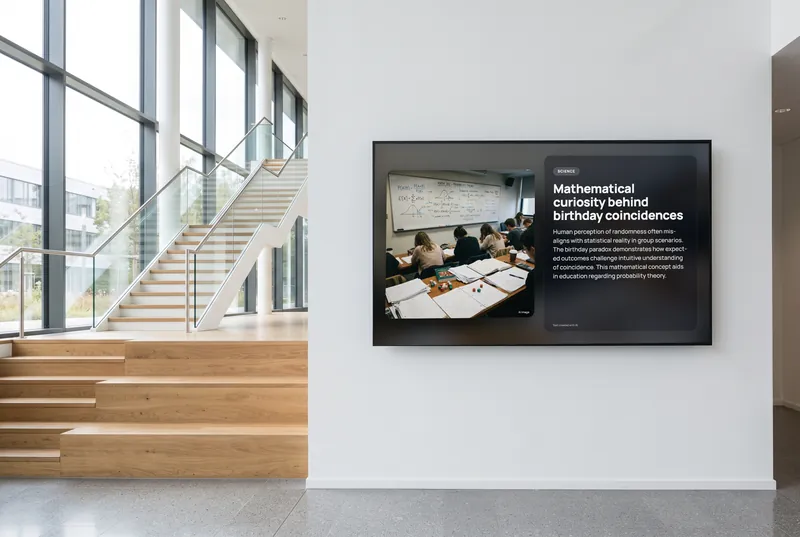
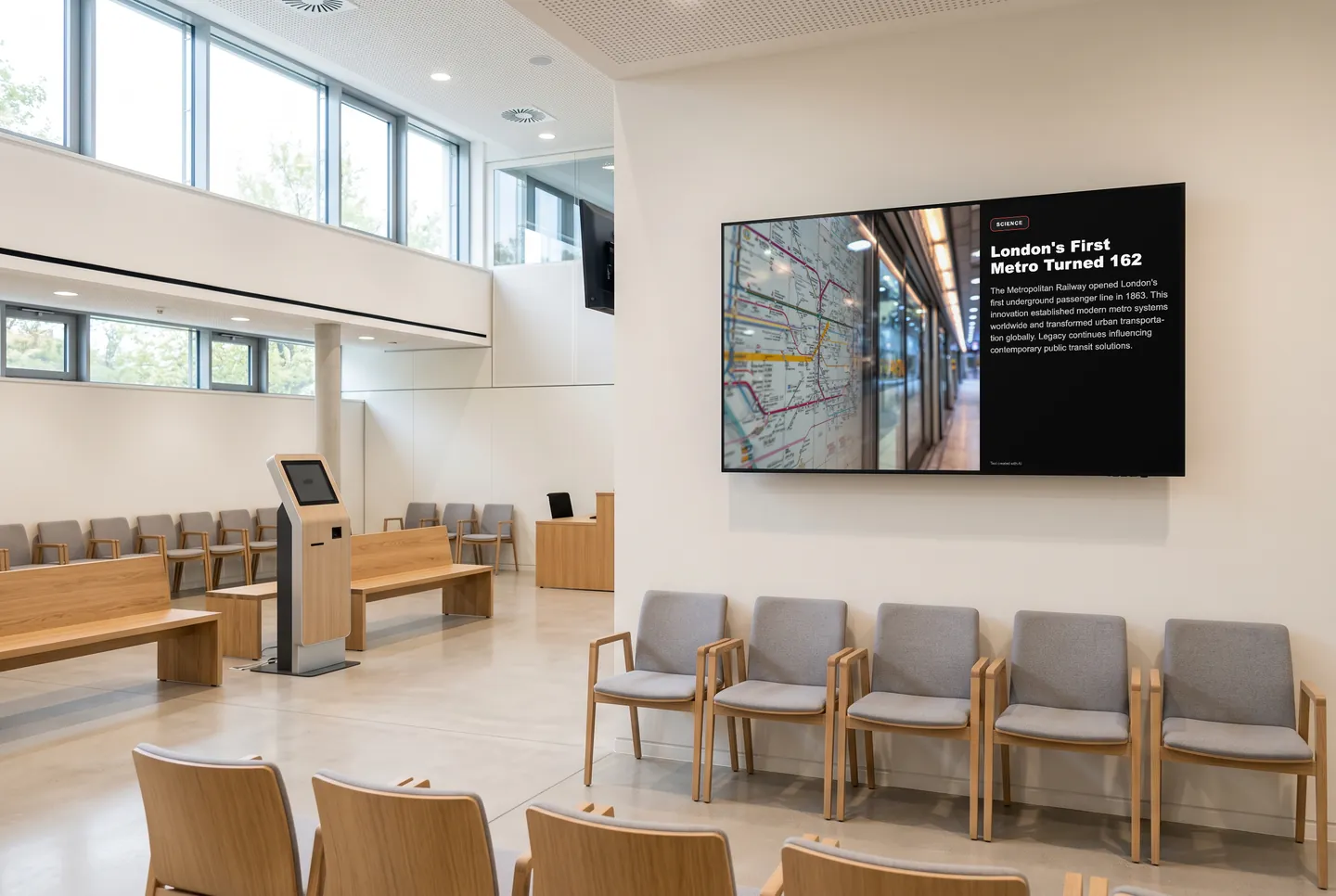
In the picture: A Science channel post on the waiting area screen of a citizens' service office

What changes in the waiting area

Something to watch until they're called

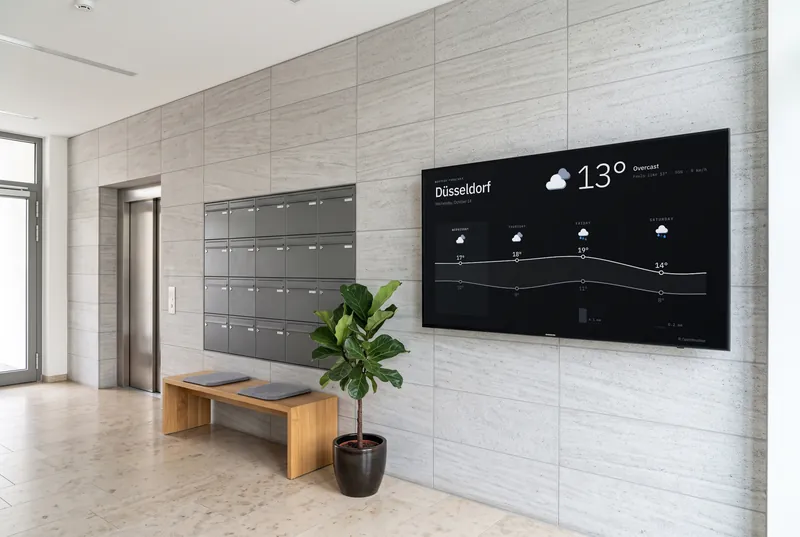
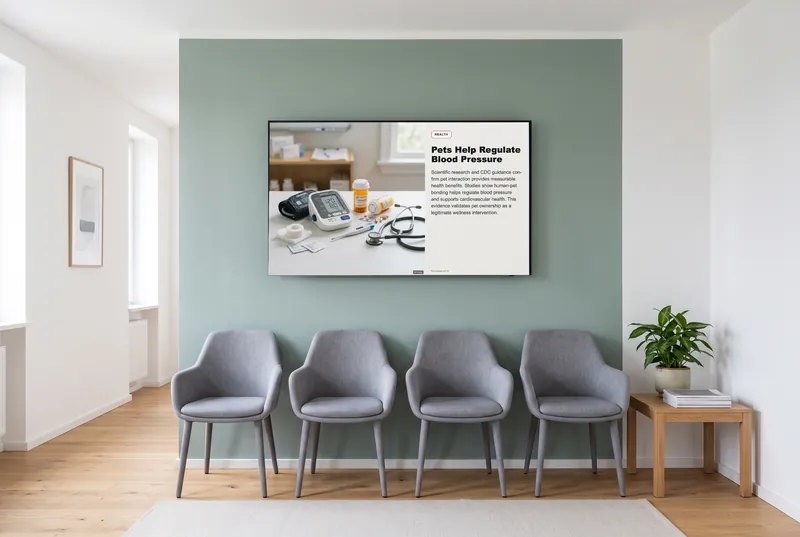
People waiting for their number already look at the screen. Now it shows news, science, and the weather, all refreshing on their own, between your own notices about opening hours or the documents people need to bring.

In the languages your visitors speak

Every channel can play in 31 languages, translated automatically. Add the languages your waiting area needs to your playlist, right alongside the German version.

Something for kids who come along

On a touch screen, paid plans add games like a picture puzzle for little ones or an underwater window with sea creatures. No sign-up, no personal data, and sound off by default, so announcements stay easy to hear.

Good to know

The average visit to a German government office takes 2 hours and 5 minutes, including 40 minutes of waiting on site. Source: Bitkom, December 2025 (opens in a new tab)

Games for kids who have to wait too

A picture puzzle, color sorting, and an underwater window for little ones, Symbol Sudoku for older kids and adults. No sign-up, sound off by default, on paid plans starting with Starter.

  • Kids' Puzzle

    Big puzzle pieces, child-friendly pictures.

  • Sort the Colors

    Sort objects by color, shape, size or pattern.

  • Underwater Window

    Sea creatures that react to touch.

  • Symbol Sudoku

    A compact sudoku with pictures instead of just numbers.

The games are included in every paid plan. They need no sign-in and fit landscape, portrait and square screens. They run without sound, except the arcade games, which start with sound; you can switch it in the dashboard.

See all 113 games
How it gets on screen

On your screen in three steps

  1. 1

    Sign up for free

    Create an account, no credit card needed. The free plan includes all AI content channels.

  2. 2

    Choose your content

    In the dashboard, pick a channel, location, table or game, set format and language, and copy the ready-made URL.

  3. 3

    Add the URL to your player

    The URL goes into your digital signage system, next to your own content. From then on, everything updates itself.

What you should know

How much does contboxx cost for a public office?

The Free plan costs nothing and needs no credit card. It includes every AI channel and format with a small daily request allowance, so it's good for trying contboxx on one screen. For continuous use, multiple screens, and games, there are paid plans. If your purchasing goes through a public tender, reach out via our contact page.

How does the content get onto our waiting area screen?

Pick your channels in the dashboard and you get a URL. Add it to your digital signage system or player like any other web page. No extra hardware, no app. For custom layouts there's also RSS, JSON, and a REST API.

Does contboxx replace our queue management system?

No. contboxx doesn't show ticket numbers and isn't a queue system. The content runs on its own screen next to the number display, or in the same playlist, depending on what your signage system supports.

Is the content neutral enough for a government office?

You decide channel by channel what plays. For public offices we recommend science, weather, and general news; add politics or tabloid channels only if you mean to. The posts are written by AI, so open the URL in a browser before going live and check that the mix fits your office.

Try it on your screen

Sign up for free, pick the content that fits and add the URL to your player.

Sign up for free