For schools and universities

Science, space, today's weather: an info screen nobody has to maintain

For the lobby, the cafeteria, and the spot next to the class schedule: contboxx delivers posts on science, tech, and nature, plus weather and news. Add one URL once and the rest updates itself.

  • Free plan, no credit card
  • Works with any digital signage system
  • Content updates itself
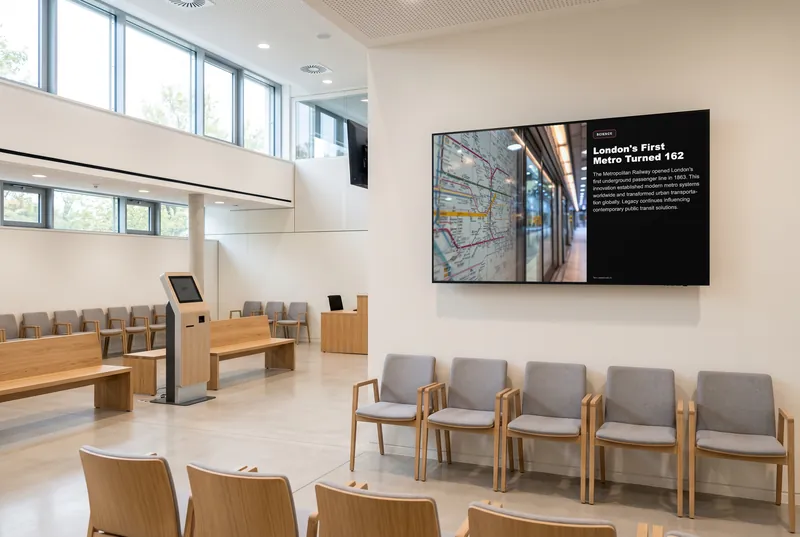
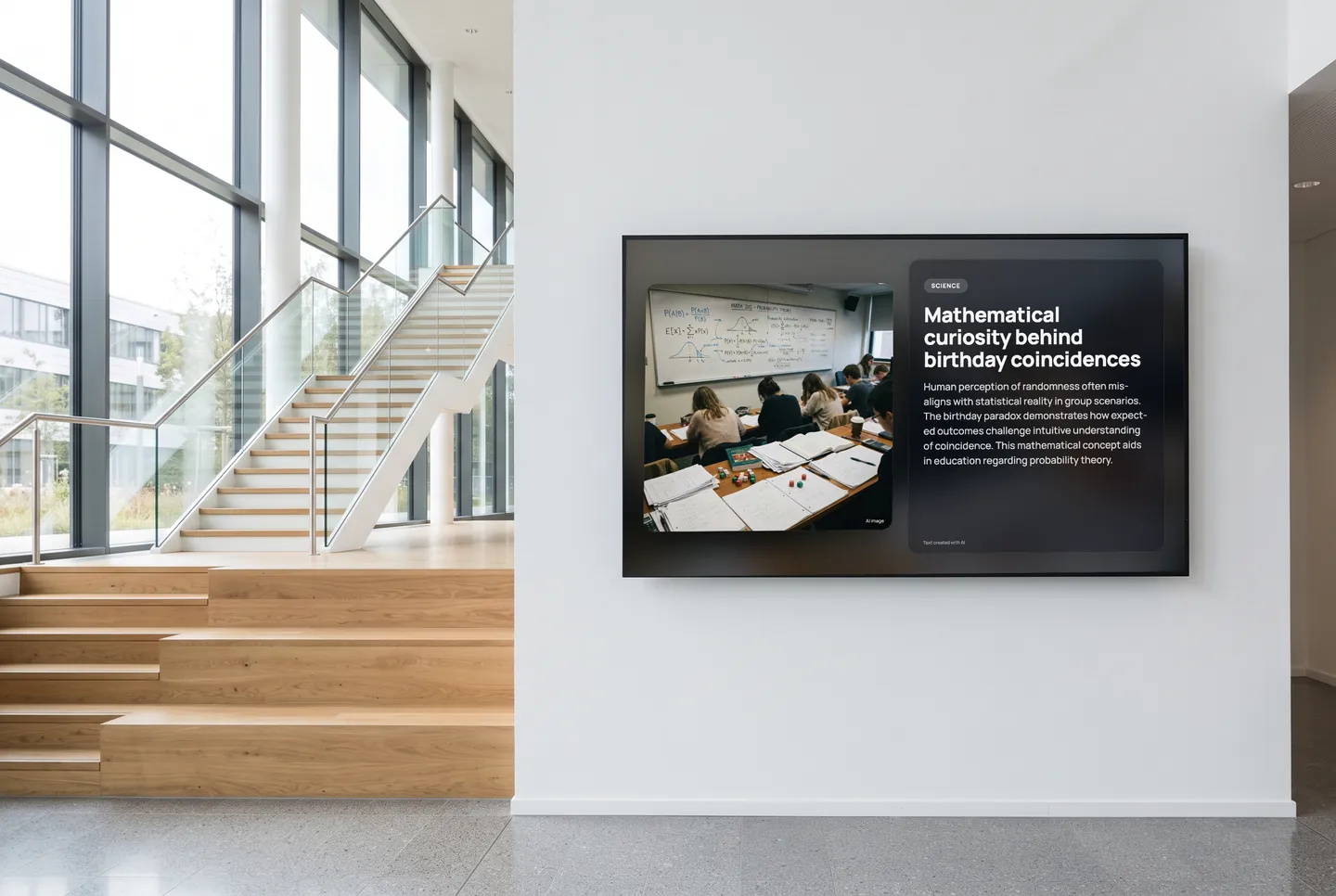
In the picture: A Science channel post in the “Glass” design on the info screen in the lobby

More than the class schedule

Bus and train times at a glance

Bus and tram stops show the next departures by schedule; Deutsche Bahn stations show them in real time, with delays and platform changes. After the last class, everyone can see whether they'll make it.

In 31 languages

Every channel can play in 31 languages, translated automatically. That helps in welcome classes for newcomers, with international students, and for anyone still learning German.

Updates itself

The channels refresh on their own. Nobody on staff or in the front office has to maintain slides, and the screen doesn't show the same thing for weeks. Your own notices keep running in the playlist.

Quiz rounds for the break

A daily quiz, true or false, word chains, and number sequences, made for older students. No sign-up, no personal data, sound off by default, on paid plans starting with Starter.

  • Daily Quiz

    Five changing questions on knowledge, culture and everyday life.

  • True or False?

    Surprising statements—right or wrong?

  • Word Chain

    Build fitting words from the letters you have.

  • Number Sequence

    Find the missing number or shape in a series.

The games are included in every paid plan. They need no sign-in and fit landscape, portrait and square screens. They run without sound, except the arcade games, which start with sound; you can switch it in the dashboard.

See all 113 games
How it gets on screen

On your screen in three steps

  1. 1

    Sign up for free

    Create an account, no credit card needed. The free plan includes all AI content channels.

  2. 2

    Choose your content

    In the dashboard, pick a channel, location, table or game, set format and language, and copy the ready-made URL.

  3. 3

    Add the URL to your player

    The URL goes into your digital signage system, next to your own content. From then on, everything updates itself.

What you should know

Is contboxx free for schools?

The Free plan costs nothing and needs no credit card. It includes every AI channel and format but only a small daily request allowance, so it's best for trying things out. For everyday use, multiple screens, and the quiz games, there are paid plans.

How do we get the content onto our info screen?

Pick channels in the dashboard and you get a URL. Add it to your digital signage system or player like any other web page. For custom layouts there's RSS, JSON, and a REST API. No extra hardware or app needed.

Does it run alongside WebUntis or IServ?

contboxx doesn't replace your schedule software, such as the German school platforms WebUntis or IServ. If the system behind your info screen can display web pages, add the contboxx URL to the playlist. Your schedule stays as it is; the content rotates with it or runs in its own zone, depending on the system.

Is the content suitable for students?

You choose every channel yourself. For schools we recommend science, nature, weather, and general news, and leaving out tabloid and disaster alerts. The posts are written by AI, so open the URL in a browser before going live and check that the mix suits your grade levels.

Try it on your screen

Sign up for free, pick the content that fits and add the URL to your player.

Sign up for free