For car dealerships and auto shops

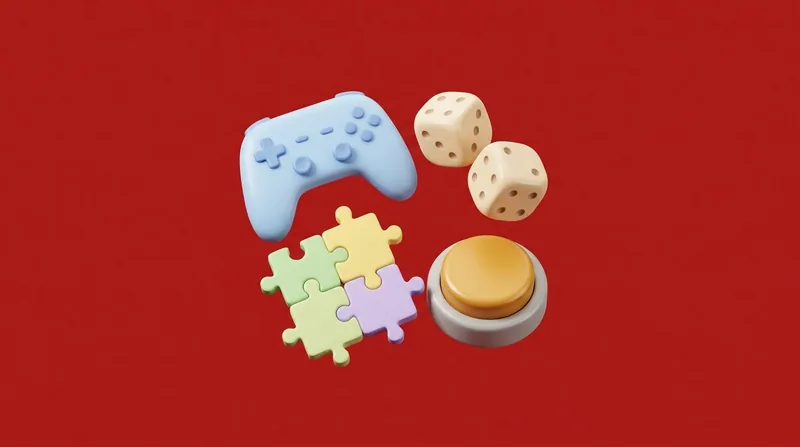
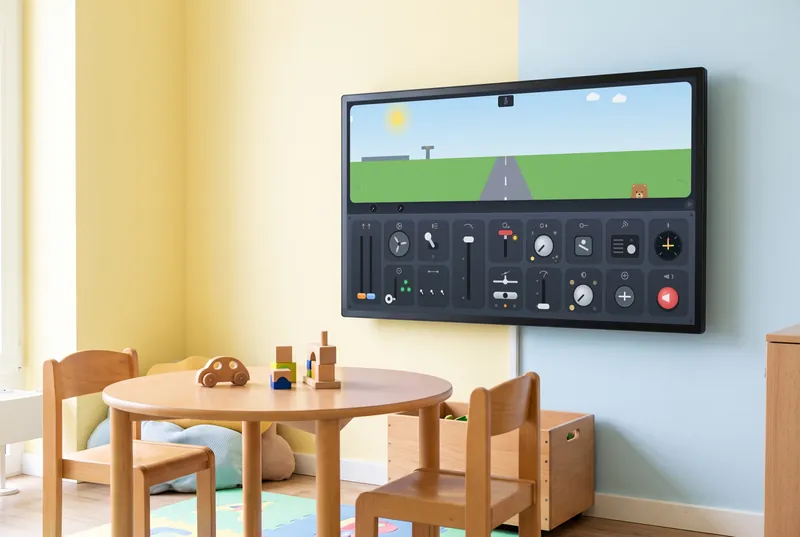
While the car is in for service, the kids take off in the button cockpit

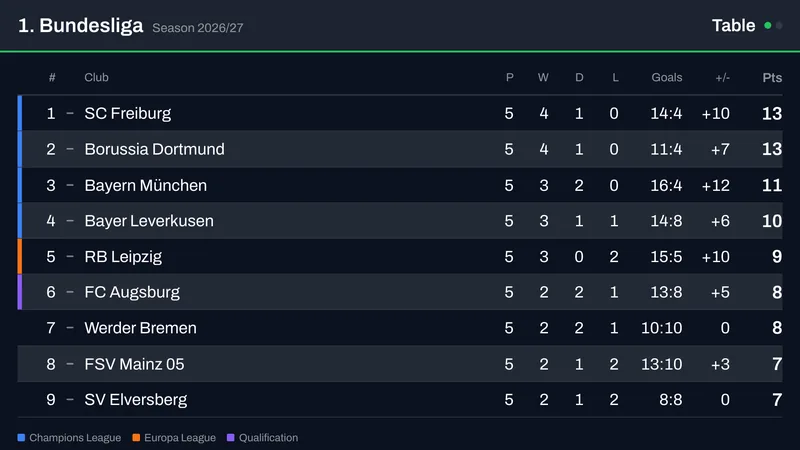
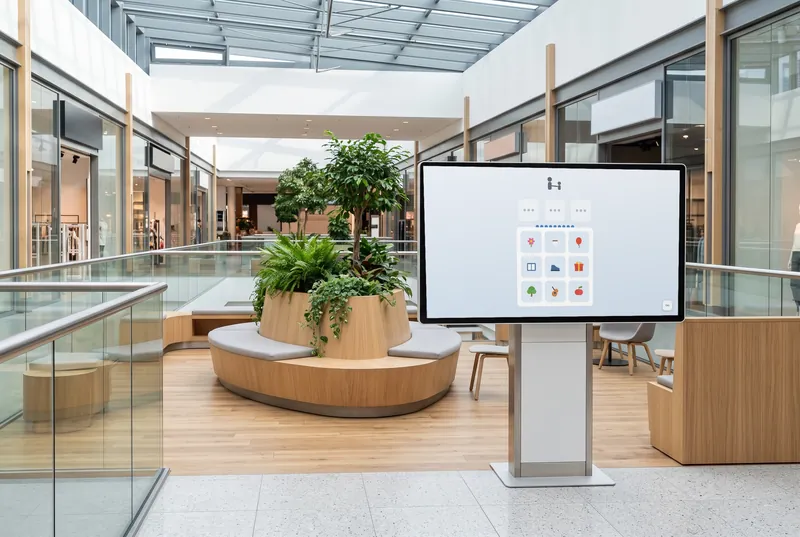
Adults get news, business and Bundesliga soccer standings; kids get games on the touchscreen in the play corner. Your brand spots stay in the playlist.

  • Free plan, no credit card
  • Works with any digital signage system
  • Content updates itself
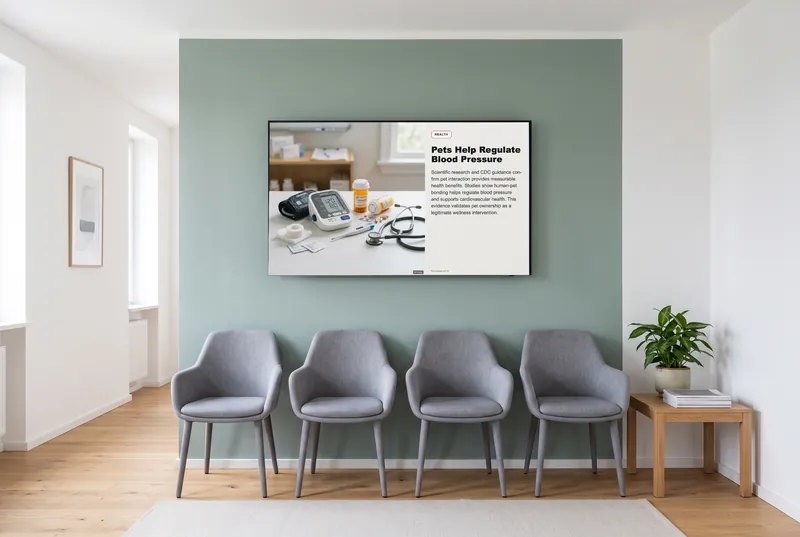
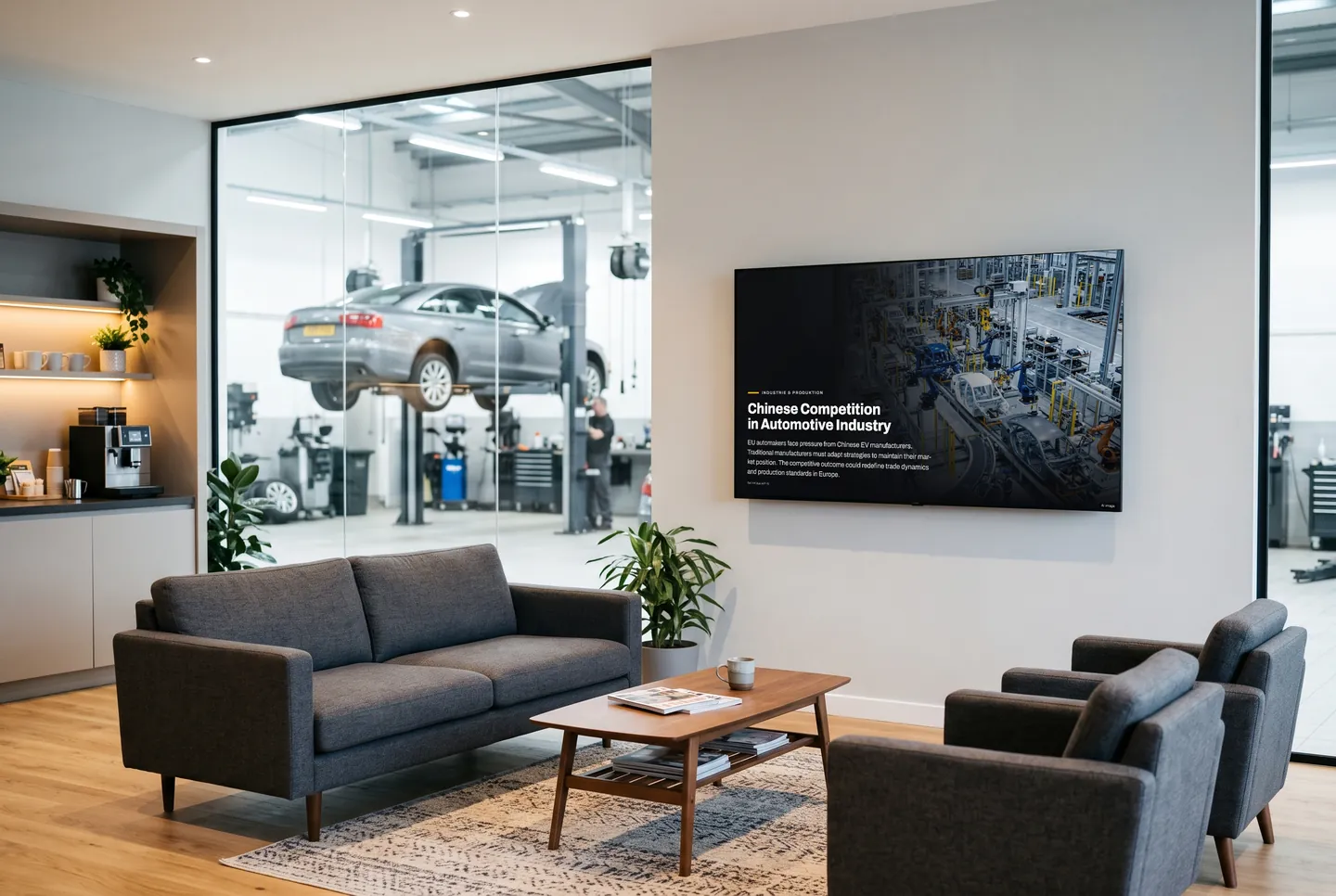
In the picture: An auto industry story from the Manufacturing & Production channel in the waiting area

What your waiting area shows during service

Something to read after the first coffee

Customers waiting for service or a tire change finish their coffee quickly. After that, news, business and sports keep updating on their own, running between the brand spots they've already seen.

A touchscreen for the kids' corner

In the button cockpit, every switch does something right away; in the first-flight game, kids follow a character from packing a suitcase to takeoff. No sign-up, muted by default, from Starter.

Something new at the next tire change

Many customers come back twice a year for seasonal tire changes, and in between for service. The channels refresh on their own, so nobody on your service team has to update content.

Games for the kids' corner, and for grown-ups

The button cockpit for the youngest, from about age two; the first-flight game from about four. Four-in-a-row and Nine Men's Morris for two players or against a friendly computer opponent.

  • The Button Cockpit

    Switches, levers and dials—find the start sequence and take off.

  • My First Flight

    From packing the suitcase to takeoff: a flight to play along with.

  • Four in a Row

    The well-known strategy game, for two players or against the computer.

  • Nine Men's Morris

    Nine pieces each—for two players or against the computer.

The games are included in every paid plan. They need no sign-in and fit landscape, portrait and square screens. They run without sound, except the arcade games, which start with sound; you can switch it in the dashboard.

See all 113 games
How it gets on screen

On your screen in three steps

  1. 1

    Sign up for free

    Create an account, no credit card needed. The free plan includes all AI content channels.

  2. 2

    Choose your content

    In the dashboard, pick a channel, location, table or game, set format and language, and copy the ready-made URL.

  3. 3

    Add the URL to your player

    The URL goes into your digital signage system, next to your own content. From then on, everything updates itself.

What you should know

How much does waiting room content cost?

To try it out, there's the Free plan: no cost, no credit card, all AI channels and a small daily quota of requests. Kids' games and live soccer come with Starter; Basic and Professional add more requests and more screens, and Enterprise is available on request.

Will it run on the screen that shows our brand spots now?

If the player can display web pages, yes: add the URL from the dashboard and you're set. Your spots stay in the playlist, with contboxx in between. If the screen is managed through a manufacturer's system, check with its operator whether you can add your own URLs.

Do I need a touchscreen for the kids' corner?

For the games, yes: a touchscreen whose player displays web pages, in 16:9, 9:16 or 1:1. News, business and soccer also run on a regular screen without touch. You don't need an app or any hardware from contboxx.

Will the kids' games be noisy in the waiting area?

Not by default: games start muted, only arcade games start with sound, and you can mute those in the dashboard too. Each game states whether it can use sound. The news widgets have no sound. Customers on the phone or talking with a service advisor won't be disturbed.

Try it on your screen

Sign up for free, pick the content that fits and add the URL to your player.

Sign up for free