For museums, zoos, and theme parks

Between the ticket desk and the café: puzzles for families and school groups

Find the detail that belongs to an object, match animal tracks, recognize landmarks by their silhouette: games for families and school groups, with science channels and local weather alongside.

  • Free plan, no credit card
  • Works with any digital signage system
  • Content updates itself
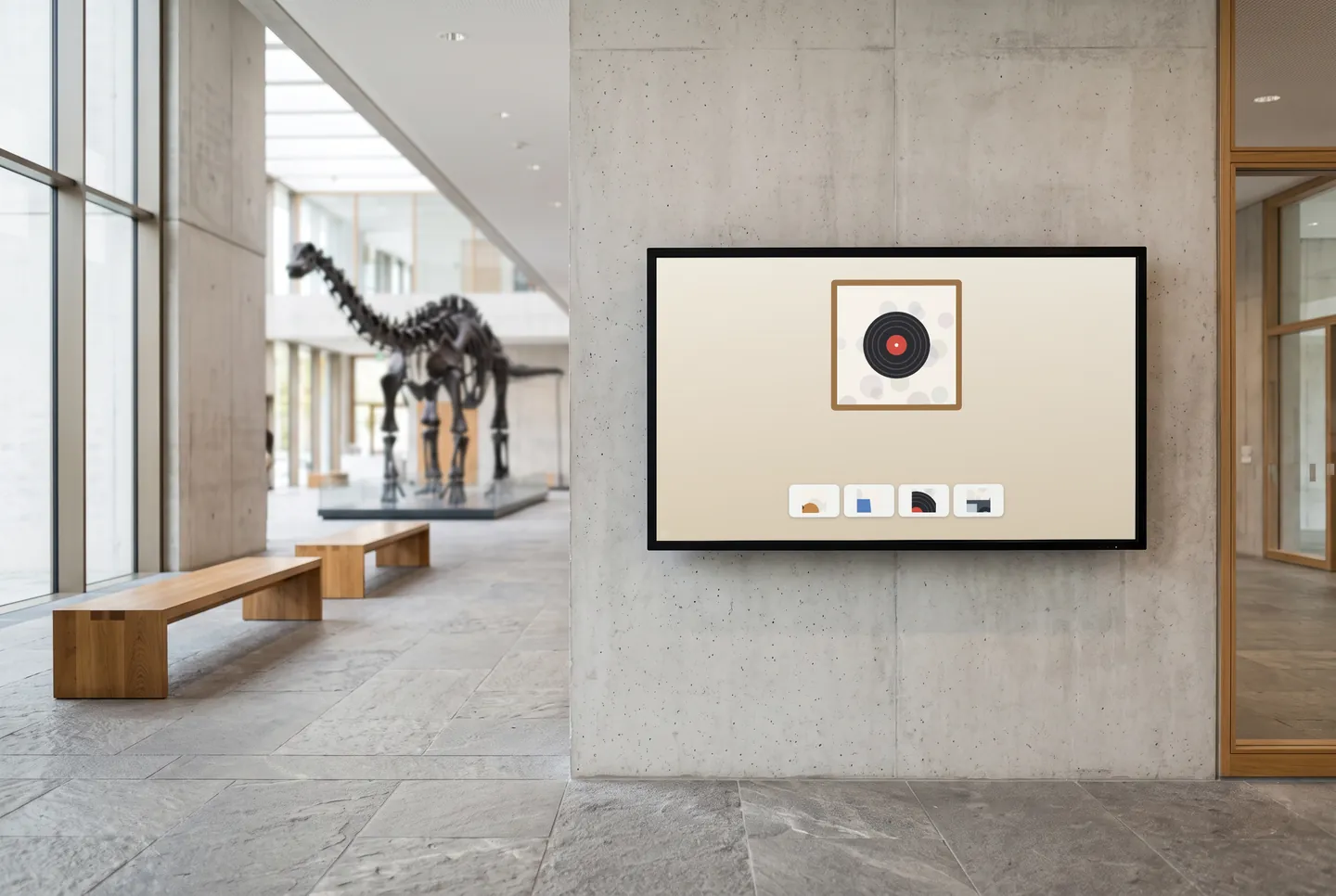
In the picture: The “Museum Mission” game on the touch screen in a museum lobby

More than a sign in the lobby

Puzzles for sharp eyes

In the museum mission, one object fills the screen, and only one of four close-ups comes from it. On the zoo safari, kids drag a hoof, paw, or webbed foot to the right animal. Available from the Starter plan.

Together, not side by side

In the spot-the-difference game, families search two large pictures for changes together. In the community mosaic, each visitor designs one tile of a larger picture, and on the wish tree, everyone hangs ready-made wish symbols.

Weather for everyone heading outside

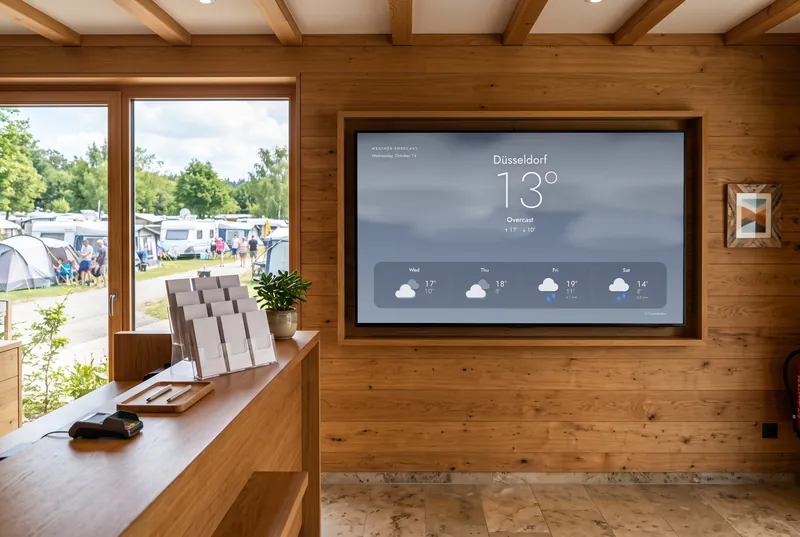
At a zoo or theme park, the weather decides which way to go first. Weather with a forecast for your location runs landscape at the ticket desk or portrait at the entrance, in several designs, including animated ones.

Good to know

Museums and exhibition venues in Germany counted 107.4 million visits in 2024. Source: Institute for Museum Research (Berlin), December 2025 (opens in a new tab)

Look, match, recognize: games for families

In the city detectives game, families identify landmarks in an illustrated city by their silhouette. With What Do Visitors Think? you ask your audience yourself, say about their favourite animal or the best exhibition. All games run without sign-up or any personal data and are available from the Starter plan.

  • Museum Mission

    One object, four details—which one belongs to it?

  • Zoo Safari

    Drag tracks to their animals: hoof, paw, webbed foot or bird's foot.

  • City Detectives

    Recognize landmarks from a silhouette that slowly gets brighter.

  • Community Mosaic

    Everyone designs one tile, together they make a big picture.

  • Wishing Tree

    Hang wish symbols on a shared tree.

  • What Do Visitors Think?

    Your own question, answered anonymously—then the result as bars with vote counts.

The games are included in every paid plan. They need no sign-in and fit landscape, portrait and square screens. They run without sound, except the arcade games, which start with sound; you can switch it in the dashboard.

See all 113 games
How it gets on screen

On your screen in three steps

  1. 1

    Sign up for free

    Create an account, no credit card needed. The free plan includes all AI content channels.

  2. 2

    Choose your content

    In the dashboard, pick a channel, location, table or game, set format and language, and copy the ready-made URL.

  3. 3

    Add the URL to your player

    The URL goes into your digital signage system, next to your own content. From then on, everything updates itself.

What you should know

How much does it cost for a museum or zoo?

The Free plan lets you try every AI channel and weather for up to three locations at no cost, no credit card required. It's meant for testing. The games, more requests for everyday use, and additional locations come with Starter, Basic, and Professional; Enterprise is available on request.

Can we fill the games with our own exhibits?

No. The games come with ready-made images: an object with four close-ups, animal tracks, silhouettes in an illustrated city. Your own exhibits or locations don't appear in them. In return, your team has nothing to prepare, and everything happens on the touch screen.

What hardware do we need for the touch games?

A touch screen with a player or digital signage system that displays web pages. The games come in 16:9, 9:16, and 1:1, so they fit a landscape screen, a portrait kiosk, or a square terminal. Add the Game Box URL; visitors need no app and no account.

Will the games disturb the quiet in our galleries?

The games run without sound, and each one states whether it uses sound at all. Only arcade games start with sound, and you can mute those in the dashboard too. The channel and weather widgets have no sound. So the screen fits a quiet exhibition space.

Try it on your screen

Sign up for free, pick the content that fits and add the URL to your player.

Sign up for free